Is TeraBox Safe? (2026) — Security, Privacy & Honest Verdict
Is TeraBox Safe? Quick Answer
Is TeraBox safe? Yes — for everyday, non-sensitive files. TeraBox uses TLS encryption in transit and AES-256 encryption at rest, supports two-factor authentication and password-protected share links, and claims ISO/IEC 27001, 27018 and 27701 certifications. But it is not zero-knowledge: the company holds the encryption keys, so it can technically access your files. Our honest verdict: great for photos, videos and casual backups — not the place for passports, banking documents or irreplaceable files you cannot afford to lose.
Who Owns TeraBox? The Company Behind the App
TeraBox is developed by Flextech Inc., which officially presents itself as a Japanese company headquartered in Tokyo. The app has grown into one of the biggest free cloud storage services in the world, with 100M+ installs and a 4.4★ rating on the Google Play Store (October 2026).
However, independent reviewers — including Cloudwards, Internxt and several security analysts — have flagged past corporate links to China (the app was previously connected to Baidu) and raised concerns about Chinese data laws such as the PIPL and the Data Security Law, which in theory allow authorities to request access to data held by Chinese-linked companies. TeraBox has never confirmed wrongdoing, but the concern persists among privacy experts.
The honest take: officially it is a Japanese company; critics flag a Chinese-law risk. If your files are personal or business-critical, that ambiguity alone is a reason to keep them elsewhere.
How TeraBox Protects Your Files
TeraBox includes several real security features that cover the basics well:
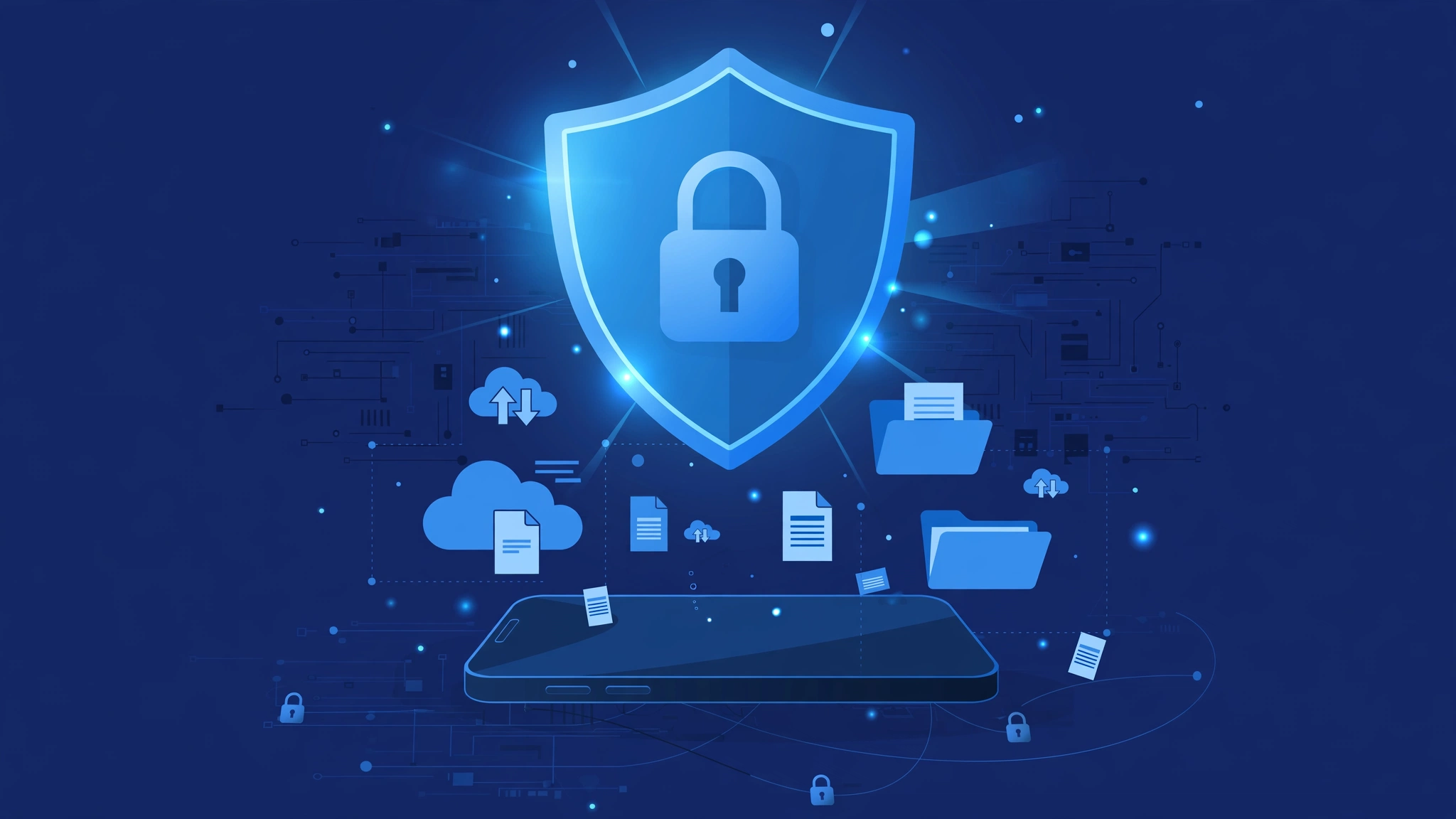
- TLS encryption in transit and AES-256 encryption at rest — the industry standard for cloud storage.
- Two-factor authentication (2FA) — available in account security settings; turning it on blocks most account-takeover attempts.
- Password-protected share links — add a password and an expiry date so shared files do not float around the internet forever. Our guide on password-protected share links shows exactly how.
- Personal Vault — a separately passcode-protected folder for your most private files.
- ISO certifications claimed — ISO/IEC 27001:2013, 27018:2019 and 27701:2019 (information security, cloud privacy and privacy-information management).
These are solid, mainstream protections — roughly on par with what big consumer cloud apps offer. If you want the full feature overview, see our TeraBox Mod APK page — it covers the official app’s features, versions, and safe usage.
The Privacy Trade-Off: What Data TeraBox Collects
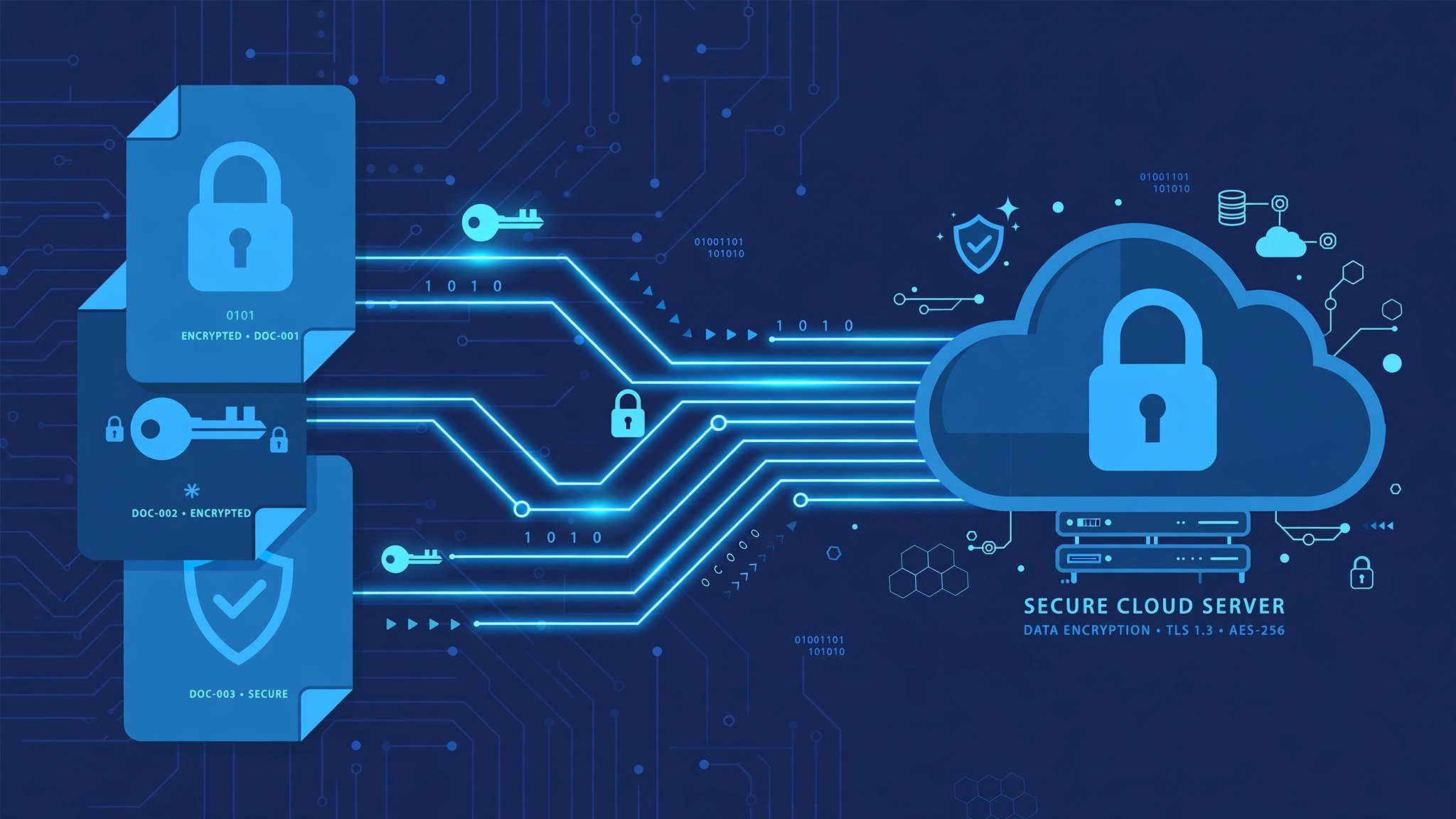
Security and privacy are not the same thing. According to independent summaries of TeraBox’s privacy policy, the app collects:
- The content you upload, plus device information, location data and usage behavior.
- It states it does not sell or rent your personal information to third parties.
- It does share data with trusted service providers under confidentiality agreements.
- The free tier is ad-supported, which means advertising partners are part of the revenue model — expect targeted advertising.
The Play Store “Data safety” section reports 16 data types collected, 0 shared, encrypted in transit. In practice: your files are encrypted and TeraBox is not selling your profile, but the ad-supported free plan means you are the product in a way paid cloud services avoid. Full plan comparison: TeraBox Free vs Premium.
What TeraBox Can’t Protect You From
This is the section most “is TeraBox safe” articles skip — and it matters most:
- No zero-knowledge encryption. TeraBox holds the keys. The company — and anyone who breaches its servers — can technically read your files.
- Deleted files are not gone instantly. They sit in the recycle bin for 10 days on the free plan, 30 days on Premium — good for recovery (see how to restore deleted files), but know that “deleted” does not mean “erased immediately”.
- Free-plan limits. 4 GB per-file upload cap, bandwidth throttling and ads mean the free tier is generous on space but thinner on experience.
- Shared links are only as careful as you are. Anyone with a public link can view the file — always add a password and expiry. The browser-based TeraBox web version makes managing links easy on desktop too.
TeraBox Permissions: What the App Asks For
Independent scans (October 2026) found 5 sensitive permissions, including reading phone identity/status. This is normal for storage apps — automatic backup needs file access, and media players need network access — but it is worth reviewing before handing the app to kids. Rule of thumb: grant storage and network, deny location unless you need it.
TeraBox vs Other Cloud Storage: Security Comparison
How does TeraBox stack up against the big names on the points that matter for safety?
| Security point | TeraBox | Google Drive | MEGA | pCloud |
|---|---|---|---|---|
| Zero-knowledge encryption | No | No | Yes | Paid add-on |
| Encryption standard | TLS + AES-256 | TLS + AES-256 | TLS + AES-128 | TLS + AES-256 |
| Two-factor authentication | Yes | Yes | Yes | Yes |
| Password-protected share links | Yes | No (by default) | Yes | Paid plans |
| Free storage | 1 TB | 15 GB | 20 GB | 10 GB |
| Best for | Everyday large backups | Google ecosystem | Private files | Lifetime plans |
Our full head-to-head: TeraBox vs Google Drive comparison.
7 Tips to Use TeraBox Safely in 2026
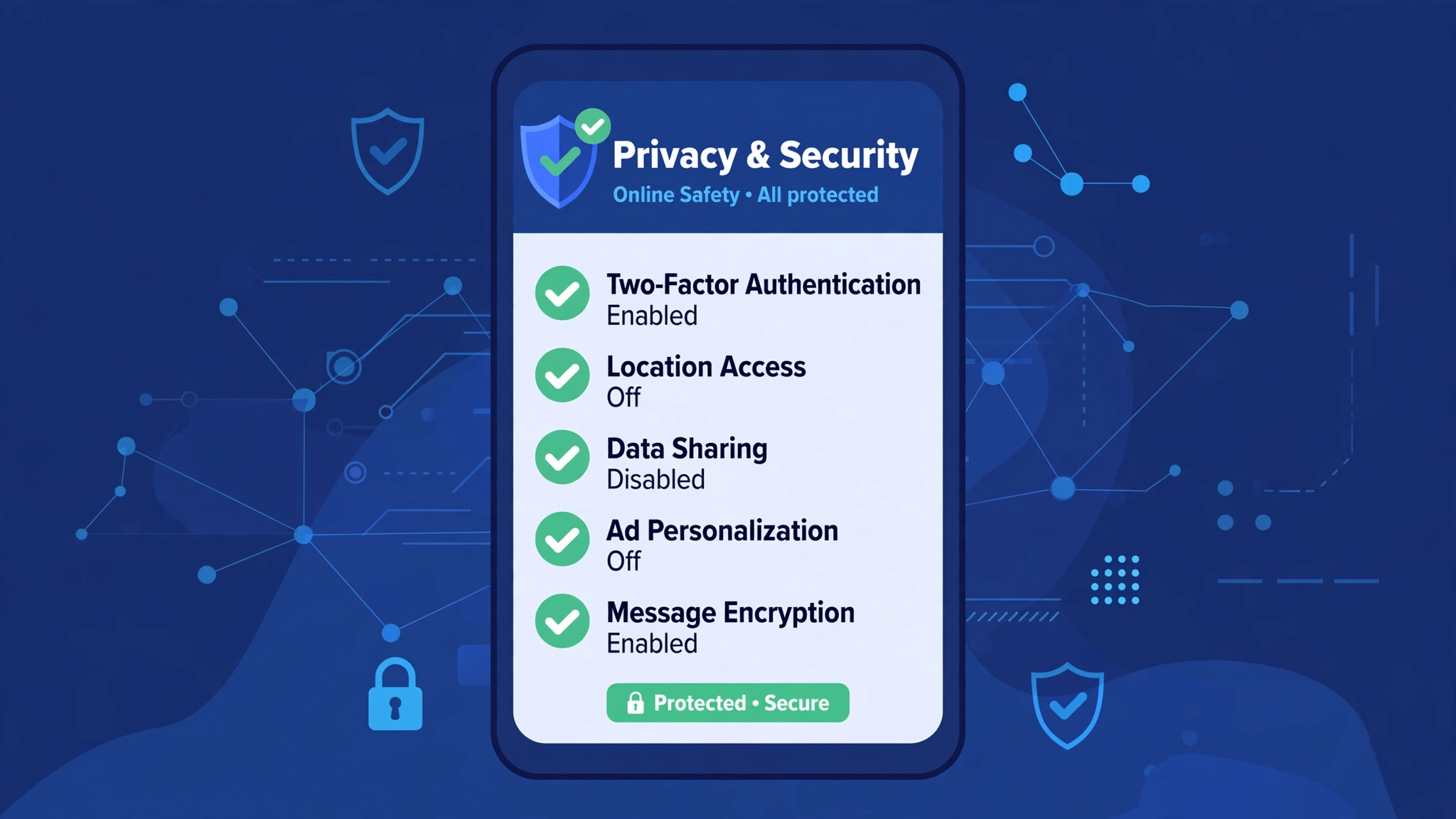
- Turn on 2FA in account settings — the single biggest safety upgrade.
- Password-protect share links and set expiry dates, especially for folders.
- Encrypt sensitive files before uploading (a ZIP with a password works) — this compensates for the lack of zero-knowledge.
- Do not store IDs, passports, banking documents or business secrets — use a zero-knowledge service for those.
- Review shared links regularly and revoke old ones from the web version.
- Keep a local backup of anything irreplaceable — no cloud service should be your only copy.
- Install only from official sources — the Google Play Store or the official website at terabox.com. Never sideload APKs from random sites; they can be bundled with malware.
Is TeraBox Safe for You? Final Verdict
Use TeraBox confidently for photos, videos, music, casual document backups and sharing large files — it is encrypted, certified, and rated 4.4★ by 100M+ users. Pair it with 2FA and password-protected links and you are doing better than most.
Do not use TeraBox for passports, banking records, business secrets, or as the sole copy of irreplaceable data — no zero-knowledge means you are trusting the company, not just the technology.
Bottom line: is TeraBox safe? For everyday cloud storage, yes — with the right settings. For truly sensitive data, pick a zero-knowledge provider.
FAQs: Is TeraBox Safe to Use?
1. Is TeraBox a Chinese app?
Officially, TeraBox is developed by Flextech Inc., which states it is a Japanese company based in Tokyo. Some independent reviewers note past links to China and raise concerns about Chinese data laws — the official position remains Japanese.
2. Can TeraBox see my files?
Technically, yes. TeraBox uses TLS and AES-256 encryption, but it is not zero-knowledge — the company holds the encryption keys, so it (or a successful attacker) could access file contents. Encrypt truly sensitive files yourself before uploading.
3. Is TeraBox safe for photos?
Yes. Photos, videos and casual backups are exactly what TeraBox is good at — encrypted, backed by ISO certifications, and the Personal Vault adds a passcode-protected layer for private images. Enable auto backup and 2FA for the best experience.
4. Does TeraBox sell my data?
According to its privacy policy, TeraBox does not sell or rent personal information to third parties, but it shares data with trusted service providers and the free tier is ad-supported, so expect targeted advertising.
5. Is the free plan safe?
The free plan has the same encryption as Premium. The differences are limits, not safety: 4 GB per-file uploads, ads, bandwidth throttling and 10-day recycle-bin retention versus 30 days on Premium.
6. What is a safer alternative to TeraBox?
If zero-knowledge encryption is your priority, MEGA and pCloud (with its Crypto add-on) offer it; Google Drive offers a bigger ecosystem but also no zero-knowledge. For everyday large backups with 1 TB free, TeraBox remains the most generous option.