TeraBox Power User Guide: 10 Advanced Tips to Save Storage, Speed & Time

Discover 10 advanced TeraBox tips real power users rely on. Save storage, speed up transfers, protect files, and use TeraBox like a pro in 2026.
Most people use TeraBox the same way they use any storage app. Upload a file. Download a file. Close the app. That’s it.
But TeraBox has several features most users never touch. Used the right way, these features save storage space, speed up transfers, protect your files, and make the app genuinely easier to live with every day.
This guide walks through ten practical techniques, from simple folder habits to lesser-known tools buried in the settings menu. None of these require a MOD version or any third-party app. Everything here works with the official TeraBox app.
Build a Folder System on Day One
The biggest time-waster for TeraBox users is a messy root folder stuffed with hundreds of random files.
Set up a simple structure early:
- Photos (split by year or event)
- Videos
- Documents (work, personal, bills)
- Backups (keep automatic device backups separate from manual uploads)
A clean structure means you find any file in seconds just by browsing. You won’t need to rely on search at all.
If your account is already a mess, don’t worry. Spend twenty minutes creating folders and moving files in small batches. It pays off every single time you open the app after that.
Check the Space Analyzer Before You Start Deleting
When storage runs low, most people panic and start deleting files at random. That’s the wrong approach.
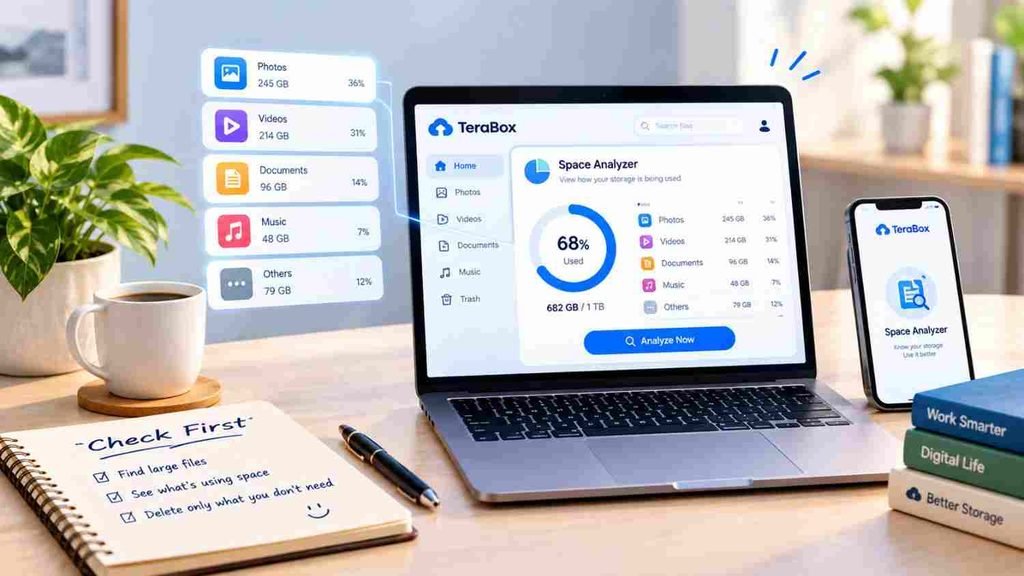
Open the Space Analyzer tool instead. It breaks down your storage by file type and folder, so you can see exactly what is eating your space. Often it’s something you forgot about, like old video backups or duplicate photo uploads from years ago.
Run this check once a month if you upload regularly. It takes a minute and stops you from deleting something you actually needed.
Fine-Tune Your Automatic Camera Backup TeraBox Power
Automatic backup is one of TeraBox’s best features, but the default settings aren’t always ideal for everyone.
A few small changes make a real difference:
- Turn on Wi-Fi only backup if your mobile data plan is limited. This stops the app from quietly draining your data in the background.
- Backup specific folders only, like your main camera roll, instead of every folder on your phone. This avoids uploading screenshots, memes, and random app downloads you don’t need stored forever.
- Check backup status once a week to confirm it’s actually running. A paused backup can go unnoticed for months.
Done right, this feature becomes something you never have to think about again.
Use the Reward System to Earn Free Storage
Many users never open the rewards section, which means they’re leaving free storage on the table.
TeraBox offers extra space for simple actions like daily check-ins, inviting friends, or completing small in-app tasks. None of it costs money. It just takes a few seconds a day.
Set a reminder to check in daily for the first month. The extra storage adds up faster than people expect, and it’s a far safer way to get more space than any MOD APK claim.
Lock Sensitive Files in the Personal Vault
If you store anything sensitive, IDs, contracts, private photos, or financial documents, don’t leave them in your regular folders.
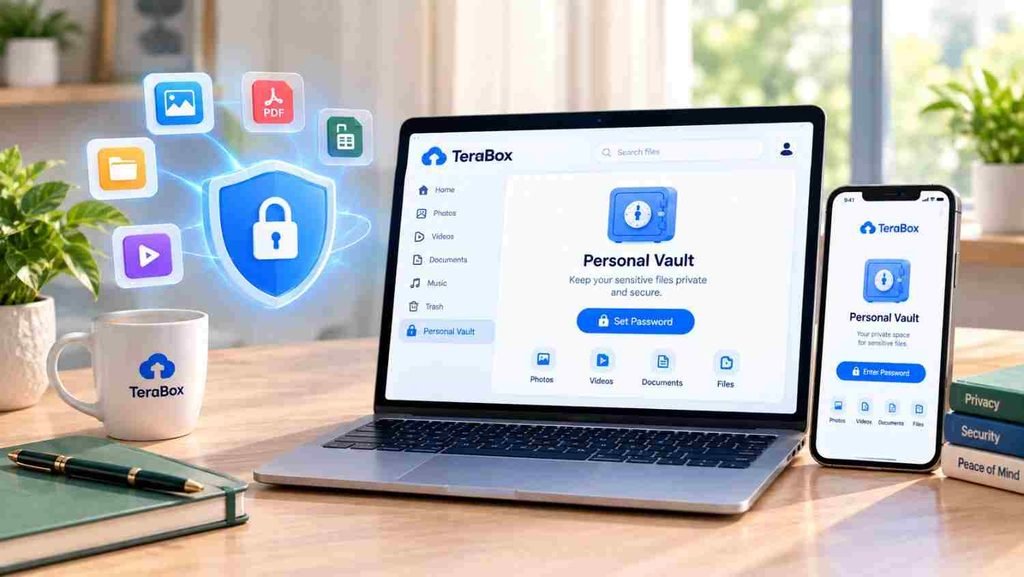
Move them into the Personal Vault, a protected section that requires a separate password or verification step to open. Even if someone gets into your phone or your main account session, vault files stay locked behind an extra layer.
This single habit is one of the easiest ways to add real security without installing anything extra.
Share Files the Smart Way
Sharing a file doesn’t mean sending the whole thing through chat apps, where it gets compressed and loses quality.
Instead, generate a share link directly from TeraBox. You can control:
- Whether the link expires after a set time
- Whether it needs a password to open
- Whether the recipient can download or only view
This is especially useful for sending large videos or sensitive documents. The file stays in full quality, and you keep control over who can access it and for how long.
Stream Instead of Download When You Can
A lot of users download every video before watching it, which wastes both time and phone storage.
TeraBox supports direct streaming, so for most videos you can simply press play and watch without downloading first. Save downloads for files you genuinely need offline, like for a flight or an area with no signal.
This one habit alone can save gigabytes of local phone storage over time.
Clean Up Duplicate and Old Backups Regularly
Automatic backup is convenient, but it doesn’t clean up after itself. Over months and years, you end up with duplicate photos, old device backups, and files you forgot existed.
Set a recurring reminder, once every two or three months, to:
- Review your Backups folder
- Delete duplicate or blurry photos
- Remove backups from devices you no longer use
This keeps your storage usage accurate and makes the Space Analyzer results actually meaningful.
Switch Between Accounts Without Logging Out
If you manage files for work and personal use separately, don’t keep logging in and out.
TeraBox supports multi-account switching, letting you move between accounts in a couple of taps. This is especially useful for freelancers, agency teams, or anyone handling client files separately from personal storage.
Set this up once, and switching takes seconds from then on.
Use the Desktop App for Large Transfers
The mobile app is fine for everyday use, but if you regularly move large files or back up entire folders, the official desktop app for Windows or macOS is far more efficient.
It handles large uploads more smoothly, supports drag-and-drop transfers, and can sync folders from your computer in the background. For anyone handling work files, this is a noticeable upgrade over doing everything through a phone.
Final Thoughts
None of these tips require anything beyond the official TeraBox app. No MOD version, no unofficial download, no extra risk to your account or your files.
Used together, these ten habits turn TeraBox from a basic upload-and-download tool into something you can actually rely on for serious file management, backup, and sharing. Start with the folder structure and the Space Analyzer, since those two alone solve most of the problems people run into, then build the rest in over time.