What Nobody Actually Tells You About TeraBox: A Practical Breakdown

Most articles about TeraBox fall into one of two buckets: “here are the features” or “is it safe.” Both get covered to death. What almost nobody writes about is the stuff you only figure out after actually using the app for a few months the small frictions, the workarounds, and the decisions that don’t show up in a feature list but genuinely shape whether the app works for you.
The Free Storage Isn’t the Real Story Your Upload Pattern Is
Everyone talks about the 1TB free tier. Fewer people talk about the fact that how you upload matters almost as much as how much you can upload.
If you dump hundreds of files into TeraBox all at once say, migrating your entire camera roll in one go the app tends to slow down noticeably during indexing. It’s not broken, it’s just processing thumbnails, metadata, and duplicate checks for everything simultaneously. The fix nobody mentions: upload in batches of 200-300 files at a time instead of one giant folder. It takes slightly longer overall, but each batch finishes cleanly instead of leaving you staring at a stalled progress bar wondering if something crashed.
The Search Function Is Better Than People Give It Credit For If You Name Things Right
TeraBox’s in-app search gets dismissed as basic in most reviews. In practice, it’s fine the problem is almost always the user’s own file naming, not the search algorithm.
Files named “IMG_4821.jpg” or “Scan_003.pdf” are functionally unsearchable later, no matter how good the search tool is. A five-second habit renaming files with a keyword and date before upload, like “passport-renewal-2026.pdf” instead of “Scan_003.pdf” makes the built-in search actually useful six months down the line when you’re trying to find one document among thousands.
The “Unlimited” Perception Problem
A specific pattern shows up with new users: people treat the 1TB free tier as effectively infinite and stop thinking about what they’re storing. Then, a year or two later, they hit the ceiling unexpectedly usually because of video files, which eat storage far faster than anything else.
A rough rule that actually helps: a single hour of 1080p video can run 2-4GB depending on compression, and 4K footage can multiply that by 3-5x. If you’re backing up drone footage, vlogs, or long recordings regularly, you’ll hit 1TB far sooner than the number suggests. Knowing this ahead of time changes how people organize compressing older video archives, or being more selective about what actually needs cloud backup versus what can live on a local drive.
Shared Links Don’t Behave the Way People Assume
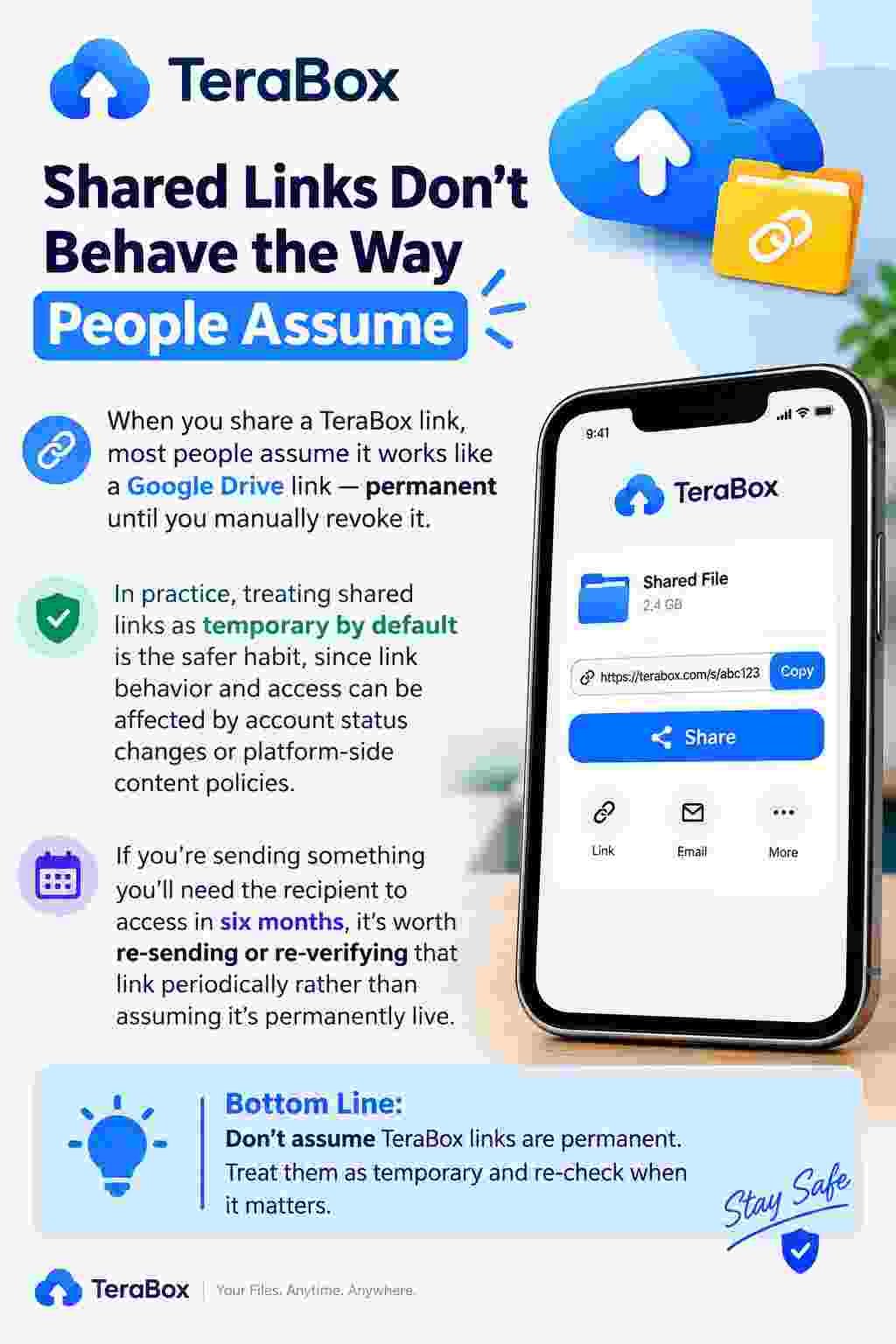
When you share a TeraBox link, most people assume it works like a Google Drive link permanent until you manually revoke it. In practice, treating shared links as temporary by default is the safer habit, since link behavior and access can be affected by account status changes or platform-side content policies.
If you’re sending something you’ll need the recipient to access in six months, it’s worth re-sending or re-verifying that link periodically rather than assuming it’s permanently live.
The Real Difference Between “Backup” and “Sync” and Why TeraBox Blurs It
A lot of confusion around TeraBox and cloud storage generally comes from not distinguishing backup from sync. Backup means a copy exists independently of your live files delete something on your phone, and the backup copy still exists. Sync means changes mirror both ways delete something on your phone, and depending on settings, it can disappear from the cloud too.
TeraBox auto upload feature functions more like a one-way backup for photos and videos by default, which is usually what people want. But if you’re manually managing folders and expecting sync-style behavior across devices, it’s worth testing with a non-important file first to understand exactly how changes propagate on your specific setup, rather than assuming.
A Small Thing That Saves a Lot of Frustration: Folder Structure Before Volume
People tend to upload first and organize later understandable, but it creates a mess that gets exponentially harder to fix as file count grows. Spending twenty minutes upfront setting up a folder structure by year, by category, by project whatever matches how you actually think, not how a template suggests before doing a large upload saves hours of dragging files around later. This sounds obvious written down, but it’s the single most skipped step by new users, and the one that causes the most regret months later.
What This Actually Means for You
None of this is about whether TeraBox is “good” or “bad” that’s been covered elsewhere plenty. This is about the practical layer underneath: the habits that determine whether a large free storage tier actually stays useful over time, or slowly turns into an unsearchable pile of files you’re afraid to clean up.
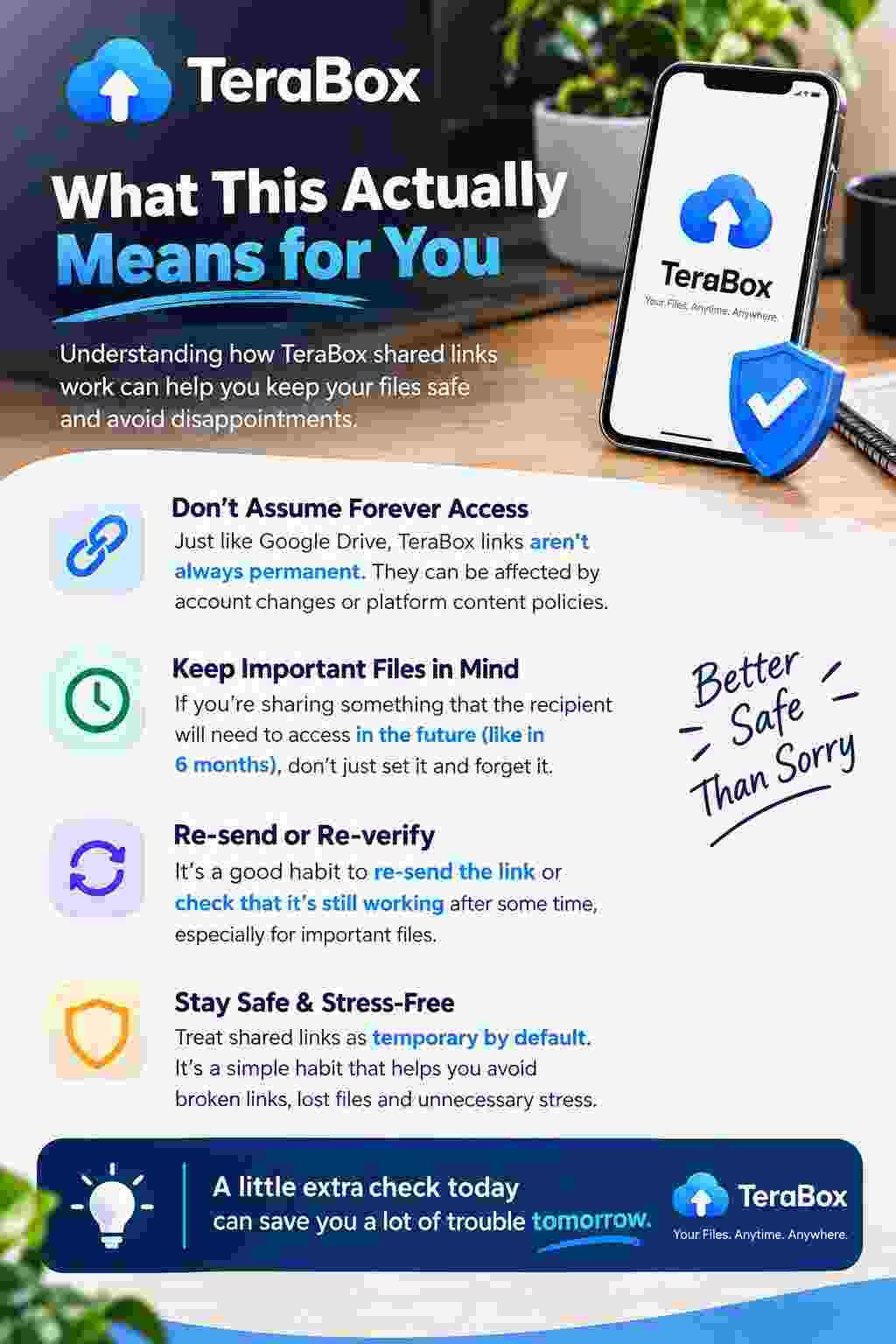
The tools are only as good as the habits built around them. A little bit of naming discipline, batch uploading, and upfront folder planning does more for your long-term experience with TeraBox than any feature comparison ever will.