Is TeraBox safe in 2026? A clear look at its encryption, ownership, data practices, and the real risks so you can decide for yourself.
If you’ve searched “is TeraBox safe,” you’ve probably already noticed the same problem I ran into while researching this: most answers online are either a flat “yes, totally safe” from sites trying to sell you the app, or a vague “be careful, it’s Chinese” warning with no actual sourcing behind it. Neither is particularly useful. So let’s actually go through it — who runs TeraBox, how your files are protected, what data gets collected, and where the real risks are.
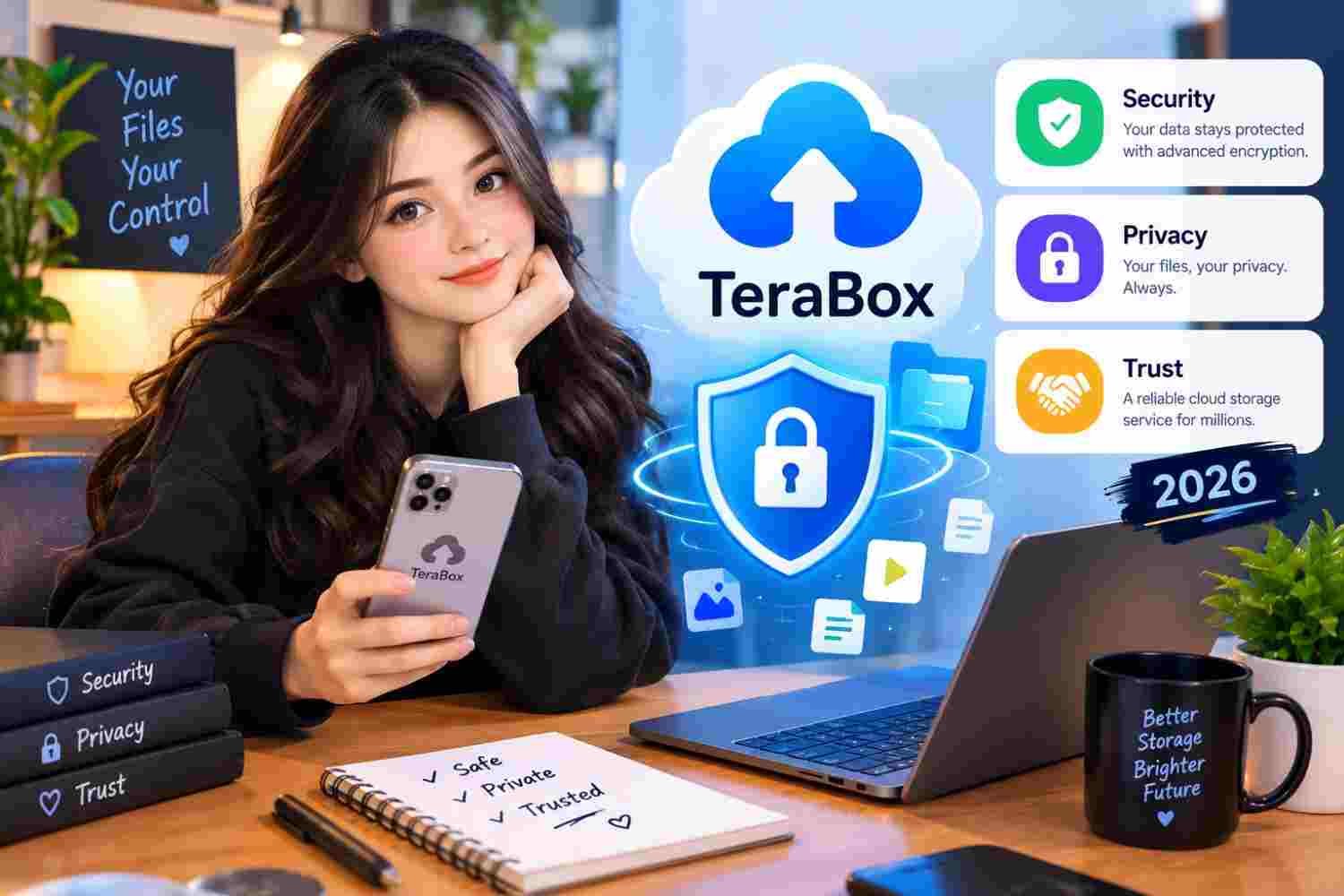
Who Actually Owns TeraBox?
TeraBox is operated by Flextech Inc., a company that’s registered and headquartered in Tokyo, Japan, and was founded in 2020. This point matters more than it might seem, because a lot of older articles about TeraBox describe it as a Chinese company or assume Chinese jurisdiction applies to it. That confusion largely comes from TeraBox’s early history — it grew out of a product connected to a Chinese tech company, and some of that lineage still shows up in outdated write-ups.
As of now, Flextech’s listed headquarters is in Japan, and the company holds ISO 27001, ISO 27018, and ISO 27701 certifications — standards that relate to information security management and cloud privacy practices. That’s a genuinely good sign, since these certifications require external audits to obtain and maintain, unlike a company simply claiming “we take your privacy seriously” on a webpage.
That said, transparency about the company itself is still thinner than you’d want. Public information about Flextech’s leadership, funding, and internal structure is limited, and the company doesn’t publish the kind of detailed transparency reports that Google, Microsoft, or Dropbox do. That’s not proof of anything sinister — plenty of legitimate companies simply don’t publish this level of detail — but it does mean you’re trusting their word more than you would with a more established provider.
How TeraBox Protects Your Files
Encryption in Transit and at Rest
TeraBox encrypts data while it’s traveling between your device and its servers using TLS, the same standard protocol used by basically every mainstream service handling sensitive traffic — your bank’s app, your email provider, and so on. Once your files land on TeraBox’s servers, they’re encrypted at rest using AES-256, which is the industry standard and, for all practical purposes, not something anyone is brute-forcing with current technology.
The Catch: It’s Not Zero-Knowledge
Here’s the part most casual reviews skip over. TeraBox uses server-side encryption, which means TeraBox itself holds the encryption keys — not just you. In practice, that means TeraBox’s own systems can technically decrypt and access your files if needed for things like content moderation, technical support, or a legal request.
This isn’t unusual — Google Drive, Dropbox, and OneDrive all work the same way. But it’s a real difference from “zero-knowledge” services like Proton Drive or MEGA, where only you hold the key and the provider genuinely cannot read your files even if they wanted to. If your priority is that no one but you can ever open a file, TeraBox on its own doesn’t offer that. Pairing it with something like Cryptomator (a free, open-source tool that encrypts files on your device before they ever reach TeraBox’s servers) closes that gap if it matters to you.
What Data Does TeraBox Actually Collect?
Based on its published privacy policy and app store disclosures, TeraBox collects the usual categories you’d expect from a free, ad-supported app:
- Basic account info — email, username, password (hashed, not stored in plain text)
- Device information — model, OS version, advertising identifiers
- Usage patterns — which features you use, upload/download activity, in-app searches
- File metadata — names, sizes, types, and folder structure (not the contents of the files themselves)
- IP address and access logs, mainly for security and troubleshooting
TeraBox’s free tier is funded by ads, so some of this data feeds into ad targeting inside the app. That’s standard for freemium cloud storage — it’s the same trade-off you make with the free tiers of most competitors. If that bothers you, the premium plan removes ads and reduces this data flow somewhat, though it doesn’t change the underlying encryption model.
Is TeraBox Safe for Sensitive Files?
This is really the question underneath the question. And the honest answer depends on what you’re storing.
For everyday use — family photos, video backups, school notes, personal documents, project files — TeraBox is reasonably safe. The encryption is solid, there’s no public record of a major breach exposing user files, and the company has an ISO-certified security framework in place. Millions of people use it daily without incident.
For genuinely sensitive material — legal documents, financial records, anything you’d be uncomfortable with a stranger seeing — I’d treat TeraBox the same way I’d treat Google Drive or Dropbox: fine with a strong password and two-factor authentication turned on, but not something you’d rely on for cryptographic guarantees. Add client-side encryption if you want that extra layer.
For regulated data — HIPAA-covered health records or GDPR-regulated personal data of EU citizens — TeraBox isn’t the right tool. There’s no Business Associate Agreement available, and cross-border data transfer compliance under GDPR gets complicated fast with a provider that doesn’t offer the usual adequacy guarantees.
Practical Steps to Make Your TeraBox Account Safer
None of these cost anything, and together they cover most of the realistic risk:
- Use a unique password you’re not reusing anywhere else, ideally generated by a password manager.
- Turn on two-factor authentication if it’s available in your account settings — this alone blocks most account takeover attempts.
- Review app permissions and deny anything TeraBox doesn’t actually need, like location access or contacts.
- Avoid public Wi-Fi for uploads of sensitive files unless you’re on a VPN — TLS protects the content, but a VPN adds another layer against network-level snooping.
- Encrypt anything truly sensitive before uploading, using a free tool like Cryptomator, if you want zero-knowledge-level protection without giving up TeraBox’s free storage.
- Only download TeraBox from the official Play Store, App Store, or terabox.com — modified or “unlocked” APKs from third-party sites bypass all of the above security measures and are a far bigger risk than anything discussed here.
How TeraBox Compares to the Alternatives
If your main concern is data being technically accessible to the provider, zero-knowledge services like Proton Drive (Switzerland) or MEGA (New Zealand) offer stronger guarantees — though both give you far less free storage than TeraBox’s 1TB. If your concern is regulatory compliance, Google Workspace or Microsoft 365 offer the BAAs and GDPR frameworks that TeraBox currently doesn’t. If you just want a lot of free space for everyday files and are comfortable with the same trust model you already use for Google Drive or Dropbox, TeraBox holds up fine.
Frequently Asked Questions
Is TeraBox a Chinese app?
No it’s operated by Flextech Inc., a company headquartered in Tokyo, Japan. The Chinese-company label that shows up in some older articles traces back to TeraBox’s early origins, not its current ownership.
Has TeraBox ever had a data breach?
There’s no publicly disclosed major breach involving TeraBox user data as of 2026. That’s a good sign, though it’s worth remembering that not every incident gets publicly reported, regardless of provider.
Does TeraBox sell my data?
Its privacy policy states it doesn’t sell user data outright. Like most free, ad-supported apps, it does use behavioral data to serve targeted ads within the app — which is a form of monetization, just not a direct data sale.
Is TeraBox safer than Google Drive?
Technically, they’re similar — both use TLS in transit and AES-256 at rest without zero-knowledge encryption. Google publishes more third-party audits and transparency reports, which gives it an edge on verifiable trust, even though the core encryption approach is comparable.
Should I use TeraBox for work documents?
For general, non-sensitive business files, it’s fine. For anything involving client confidentiality, trade secrets, or regulated data, use a provider with formal compliance certifications for your specific requirement.
TeraBox is a legitimate, functional cloud storage service not a scam, and not secretly malicious. Its encryption meets industry standards, its parent company holds real security certifications, and there’s no track record of major data exposure. Where it falls short is transparency: limited public information about the company itself, no independent security audits published, and no compliance certifications for regulated industries.
For everyday storage, it’s a solid, genuinely generous option. For anything sensitive, add your own layer of encryption and treat it the same way you’d treat any other big free cloud provider useful, but not something to blindly trust with your most important files.
This article reflects publicly available information as of 2026. Always check TeraBox’s current privacy policy and terms of service directly, as these can change over time.