TeraBox for Students (2026): Free 1TB Cloud Storage, Smart Sharing & Study Tools
TeraBox for students is one of the smartest free tools a student can use in 2026. Between lecture slides, assignment PDFs, project videos, and thousands of photos, student phones and laptops fill up fast — and paid cloud plans feel like a luxury on a student budget. TeraBox solves this with a generous free 1TB of cloud storage, automatic backups, and easy sharing tools built for the way students actually work.
In this guide, we break down exactly how TeraBox for students works: what you get for free, how to back up your study materials automatically, how to share files with classmates, and how it compares with Google Drive for student use.
Why TeraBox for Students Makes Sense in 2026
Students generate more digital files than almost any other group. A single semester can mean hundreds of lecture recordings, scanned notes, presentation decks, and group-project files. Relying only on a phone’s internal storage is risky — one lost or damaged phone can wipe out months of work.
Cloud storage fixes this, but most free plans are tiny. Google Drive gives you just 15 GB shared across Gmail and Photos, and iCloud offers only 5 GB. TeraBox for students stands out because the free tier starts at 1TB (1024 GB) — roughly 66 times more than Google Drive’s free plan — with no student discount or credit card needed.
What TeraBox for Students Offers
Free 1TB Cloud Storage
The headline feature is simple: sign up and you get 1TB of free cloud space. That is enough for around 250,000 documents, 300,000 photos, or 500 hours of standard-definition lecture video. For most students, that means never deleting files to “make space” again.
Automatic Photo & Video Backup
Turn on automatic backup in the TeraBox mobile app and every photo and video you take uploads to your cloud automatically. Whiteboard photos, lab experiment clips, campus event pictures — all safe even if your phone is lost, stolen, or reset before an exam.

Password-Protected Share Links
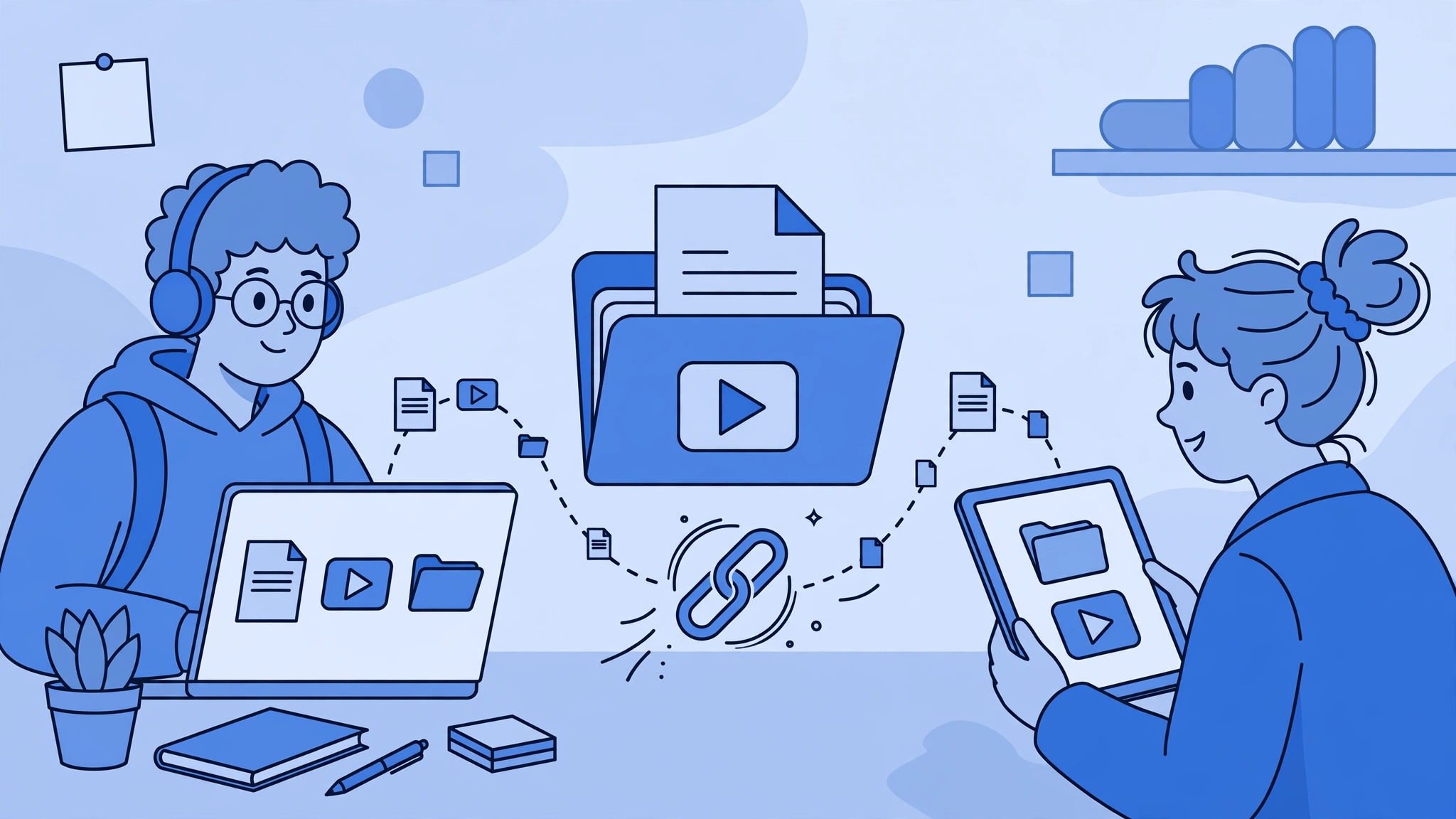
Group projects become painless with TeraBox share links. Upload a folder, generate a link, and optionally protect it with a password and an expiry date. Classmates can download the files without needing a TeraBox account — perfect for sharing heavy video projects or design files that are too large for email attachments. For more on this, see our guide to sharing large files with TeraBox and sharing large video files with TeraBox.
AI Tools for Study Notes
TeraBox now includes AI features like the Tera AI assistant and AI Notebook, which can summarize documents, turn uploaded files into study notes and quizzes, and convert file formats. For students, that means faster revision: upload a 60-page PDF and get the key points in minutes.
Access Anywhere: Web, Android, and iOS
Your files follow you across devices. Start an assignment on a library computer through the TeraBox web version, review it on your phone on the bus, and present it from a tablet in class. Everything stays in sync.
TeraBox vs Google Drive for Students
Here is a quick comparison of the two most popular free options for students:
| Feature | TeraBox (Free) | Google Drive (Free) |
|---|---|---|
| Free storage | 1TB | 15 GB (shared with Gmail & Photos) |
| Automatic photo backup | Yes | Yes (via Google Photos) |
| Password-protected share links | Yes | No (link sharing only) |
| Share-link expiry dates | Yes | No |
| AI study tools | Tera AI assistant, AI Notebook | Gemini (limited on free tier) |
| Large file sharing | Up to 20 GB per file (free) | Limited by 15 GB total quota |
For a deeper dive, read our full TeraBox vs Google Drive comparison.
How to Get Started with TeraBox for Students
- Create a free account on the TeraBox website or mobile app using your email — no credit card required.
- Install the app on your phone and enable automatic photo and video backup so nothing is ever lost.
- Organize by semester: create folders like “Fall 2026 / CS-101” so notes stay findable during exams.
- Upload large files (lecture recordings, project videos) instead of clogging your phone storage.
- Share with classmates using password-protected links with expiry dates for group projects.
- Back up before exams: do a final sync of all notes the night before — one less thing to worry about.
Wondering whether the free plan is enough or if premium is worth it? Check our TeraBox free vs premium breakdown.
Complete App Overview
For a detailed look at the app itself — features, versions, and updates — see our TeraBox Mod APK guide.
FAQs: TeraBox for Students
Is TeraBox really free for students?
Yes. TeraBox offers 1TB of free cloud storage to every user, including students, with no credit card or student verification required. Paid plans exist for extra space and faster transfers, but the free tier alone covers most student needs.
How much is 1TB for a typical student?
1TB holds roughly 250,000 documents, 300,000 photos, or 500 hours of standard video. Most students will not fill it in four years of study.
Can I share files with classmates who do not have TeraBox?
Yes. Anyone with your share link can download the files without creating an account. You can add a password and expiry date for extra control.
Does TeraBox work on both Android and iPhone?
Yes. TeraBox has native apps for Android and iOS, plus a full web version that works in any browser, so your notes are available on every device.
Is it safe to store my assignments and personal files on TeraBox?
TeraBox uses encrypted transfers and lets you protect shared links with passwords. As with any cloud service, keep a local copy of truly irreplaceable files as an extra backup.
Can TeraBox help me study, not just store files?
Yes. The built-in Tera AI assistant and AI Notebook can summarize long documents and turn your uploaded files into study notes and quizzes, which speeds up exam revision.
Conclusion
TeraBox for students delivers what student budgets need most: a massive 1TB of free storage, automatic backups that protect your notes, and sharing tools that make group projects easy. Set it up once at the start of the semester, and you will never lose an assignment to a full phone or a broken laptop again. Explore our other TeraBox guides to get even more out of your free cloud.