TeraBox for iPhone (2026): Complete iOS Guide — 1TB Free Cloud Storage
Quick Answer: TeraBox iOS in One Minute
TeraBox iOS gives iPhone users 1TB (1024GB) of free cloud storage, compared with iCloud’s 5GB free tier — 200 times more free space. The official app, “TeraBox: 1TB Cloud & AI Space” on the App Store, backs up photos and videos automatically, lets you share files up to 128GB per file, and adds AI tools for searching files, summarising documents and creating subtitles. The honest verdict is simple: TeraBox iOS is an excellent photo and video backup companion for iPhone, but it is not a full iCloud replacement, because it cannot do system-level device backups or iMessage sync. If your iPhone storage is full of photos, TeraBox iOS solves that problem first.

What the TeraBox iOS App Gives You
The TeraBox iOS app is built around one idea: your files should be safe in the cloud and reachable from any device. Sign up for a free account and you get 1TB of storage straight away, with no credit card needed for the free tier. From there, the app covers backup, sharing, playback and AI help in one place.
| Feature | What it does on iPhone |
|---|---|
| Free storage | 1TB (1024GB) free on sign-up |
| Automatic backup | Photos, videos, documents and folders stay synced |
| Large file transfer | Share a single file up to 128GB via a secure link |
| AI search | Built-in AI browser finds files, videos and details inside them |
| Tera AI agent | Ask questions, turn photos into highlight reels, summarise long PDFs |
| HD video player | Play videos in the app, with AI subtitles for lectures and films |
| Cross-device access | Files on iPhone are available on Windows, Mac and the web |
For a complete overview of the platform, see the TeraBox guide on this site, which explains the main TeraBox features in one place. This article itself covers only the official TeraBox app for iPhone.
TeraBox vs iCloud on iPhone — Honest Comparison
Comparing TeraBox iOS with iCloud fairly means admitting where each one wins. TeraBox wins by a huge margin on free space and on sharing very large files. iCloud wins on deep integration with iOS itself, because it is built into the system.
| Feature | TeraBox iOS | iCloud |
|---|---|---|
| Free storage | 1TB | 5GB |
| Device backup | No — app files only | Yes — full device backup |
| Photo auto backup | Yes, in the app | Yes, system-wide |
| AI tools | Yes — Tera AI, AI Study, AI subtitles | Limited |
| iOS integration | Separate app | Built into iOS |
| Large file sharing | Up to 128GB per file | Smaller practical limits |
The practical setup for most iPhone users is both: keep iCloud for device backup, and use TeraBox iOS for the bulk of your photos and videos, where 5GB was never going to be enough. Our TeraBox free vs premium comparison helps you decide whether paid extra space is ever worth it, and our TeraBox vs Google Drive comparison puts the same question against another major cloud service.
How to Set Up TeraBox on iPhone
Setting up TeraBox iOS takes a few minutes, and it only uses the official App Store listing — there is no other install route on iPhone.
- Install from the App Store. Search for “TeraBox: 1TB Cloud & AI Space” and tap Get.
- Sign up or log in. Create an account with your email, or log in to an existing TeraBox account.
- Grant Photos permission. Choose Full Access so automatic backup can see your whole photo library. Without this, backup only covers what you pick manually.
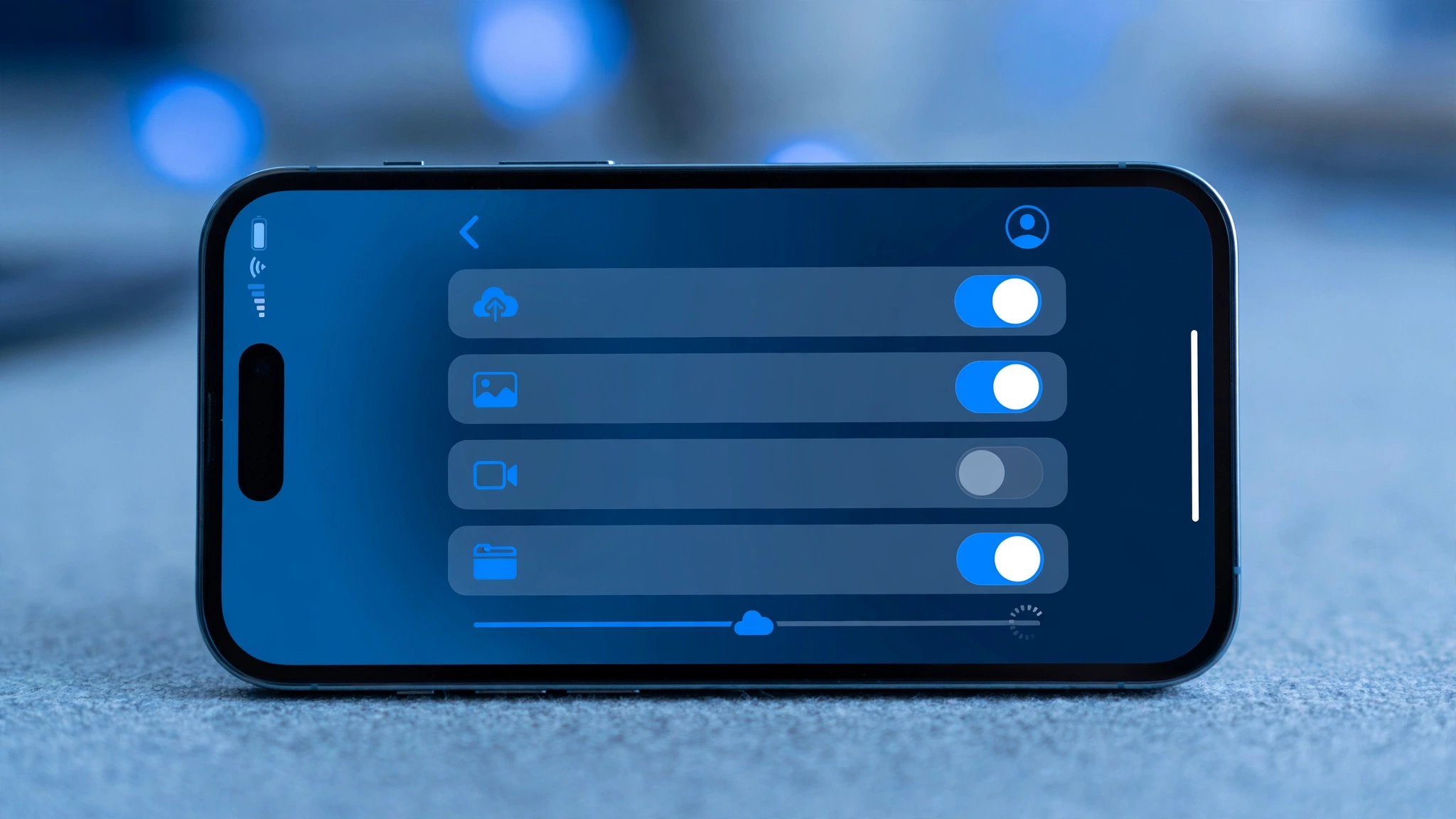
- Turn on Automatic Backup. In the app settings, enable automatic backup for photos and videos, and choose Wi-Fi-only upload if you want to protect your mobile data.
- Organise from the start. Create folders for family, work and study files, and turn on AI search so you can find a file later by what is in it, not just by its name.
Auto Backup Settings That Matter on iOS
- Full Access photos permission: this is the setting most people miss. Limited access means new photos may never back up.
- Wi-Fi-only uploads: turn this on if you have a small mobile data plan; large video uploads over mobile data are slow and costly.
- Background App Refresh: backup needs the app and Background App Refresh switched on, or uploads will pause when you leave the app.
- Verify before you delete: never delete the original photo from your iPhone until you have opened it in TeraBox and confirmed the upload finished. A half-uploaded file is not a backup.
The same habit applies to every device: our photo backup best practices and backup settings guide explain the folder and verification routine in detail.
AI Features Worth Using on iOS
TeraBox iOS is more than storage. The AI features are genuinely useful on iPhone, where you often need an answer from a file rather than the file itself.
- Tera AI agent: ask questions about your files, turn photos into highlight reels, posters or cards, and pull details out of screenshots.
- AI Study: drop in a lecture file and get structured notes in seconds, record a lecture live for AI notes, or generate flashcards and a mind map.
- AI subtitles: the HD video player creates subtitles automatically, which helps with lectures and foreign films.
- AI transcription: turn voice recordings into text with a key-point summary, so a long voice note becomes a readable note.
- AI scanning and PDF management: text recognition organises scanned documents and PDFs instead of leaving them as loose images.

Sharing From iPhone With TeraBox iOS
Sharing is where TeraBox iOS beats the usual iPhone options for big files. AirDrop only works nearby, and messages cap out quickly, but a TeraBox link can carry a single file up to 128GB. Upload the video, create a secure link in the app, and send that link to anyone — they do not need your phone nearby, and they do not need a TeraBox account just to download it. For the full link-sharing walkthrough, see our guides to sharing large video files with TeraBox and sharing large files with TeraBox.
Limitations to Know Before You Rely on TeraBox iOS
- Not a system device backup: TeraBox backs up the files you put in it. It does not back up your whole iPhone, your settings or your messages the way iCloud device backup does.
- AI features scan your files: AI search, subtitles and transcription work by analysing your content. If that bothers you, use TeraBox for storage and backup only, and skip the AI tools.
- Free tier has ads and throttling: free accounts may see ads and slower speeds at peak times. That is the trade-off for 1TB free, and it rarely matters for overnight photo backup.
- Background uploads need care: iOS limits background activity, so very large uploads are best started on Wi-Fi with the app open, then checked before you delete anything.
On safety in general, read our Is TeraBox Safe guide before storing sensitive documents, and keep a second copy of anything truly irreplaceable.
Who Should (and Shouldn’t) Use TeraBox iOS
Use it if: your iPhone storage is full of photos and videos; you want 1TB free without paying for iCloud+; you share large videos often; or you want AI notes, subtitles and transcription from your files.
Skip it, or use it only as a second copy, if: you only want a hands-off full device backup; you do not want any AI analysis of your files; or you already pay for enough iCloud storage and never hit its limit.
Frequently Asked Questions About TeraBox iOS
1. Is TeraBox free on iPhone?
Yes. The official App Store app is free with in-app purchases, and a free account includes 1TB of cloud storage.
2. How much storage does TeraBox give iPhone users?
1TB (1024GB) free on sign-up, compared with iCloud’s 5GB free tier.
3. Does TeraBox back up photos automatically on iOS?
Yes, once you grant Full Access to Photos and turn on Automatic Backup in the app settings. Background App Refresh should also be on.
4. Is TeraBox better than iCloud?
For free storage and large file sharing, yes — 1TB vs 5GB is not close. For full device backup and deep iOS integration, iCloud is better. Most users benefit from both.
5. Can I upload files larger than 4GB on iPhone?
Yes. TeraBox supports sharing a single file up to 128GB, far above the 4GB limit that trips up many other sharing methods.
6. Does TeraBox work on iPad too?
Yes. The same account and files work across iPhone, iPad, Windows, Mac and the web, so a file backed up on iPhone is available on iPad straight away.
Final Verdict on TeraBox iOS
TeraBox iOS is the easiest fix for the most common iPhone problem: running out of space. Install it from the App Store, grant Full Access, turn on automatic backup on Wi-Fi, and verify one upload before you start freeing space on your phone. Keep iCloud for device backup, let TeraBox carry your photos, videos and large files, and you get 1TB of breathing room for free. You can learn more on the official TeraBox website. Start with the setup steps above, and your iPhone storage problem is mostly solved by tonight.