TeraBox for Android (2026): Complete Guide to 1TB Free Storage
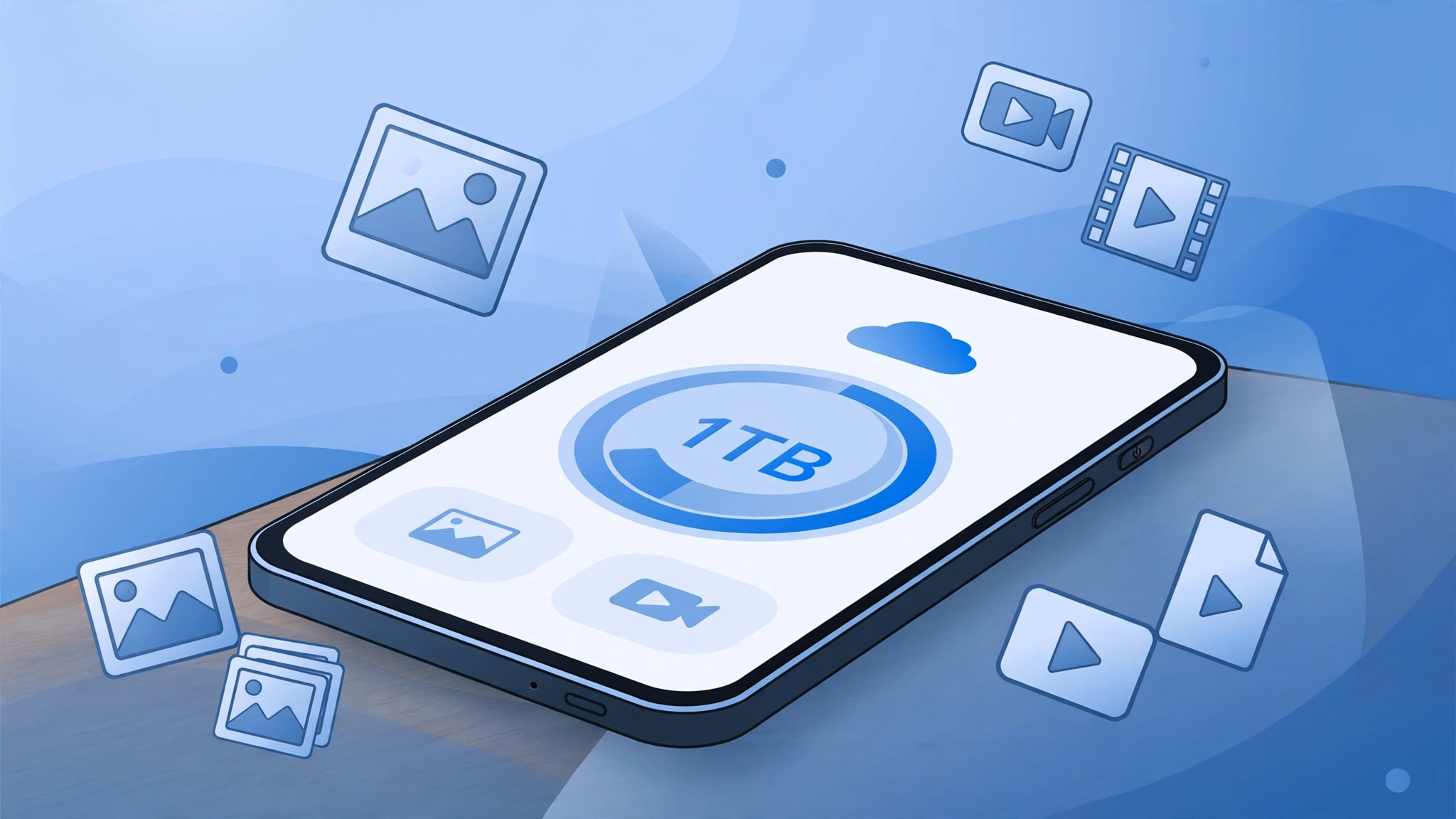
TeraBox for Android is one of the easiest ways to get 1TB of free cloud storage on your phone. If your Android phone is always running out of space, TeraBox for Android lets you move photos, videos, and documents to the cloud, then free up room on your device without losing anything. In this complete 2026 guide, you will learn how to set up TeraBox for Android, which features matter most, and how to get the best results from your free 1TB.
The official TeraBox app is available on Google Play as “TeraBox: 1TB Cloud & AI Space,” with over 100 million downloads. You sign up, claim your 1024GB of free space, and your files stay available on your phone, on the web, and on other devices where you sign in.
Why TeraBox for Android Stands Out
Most free cloud storage plans give you 15GB or less. TeraBox for Android starts you with 1024GB, which is enough for hundreds of thousands of photos or thousands of videos. That single difference makes it a practical choice for Android users who shoot a lot of photos and videos, or who keep large files such as lecture recordings, project folders, and family videos.
TeraBox for Android is also more than a storage box. The app includes automatic backup, an HD video player with AI subtitles, AI-powered search, document scanning, and simple link sharing, all in one place.
How to Set Up TeraBox for Android
Setting up TeraBox for Android takes only a few minutes:
- Install the official TeraBox app from Google Play and open it.
- Create an account or sign in with your existing account.
- Confirm your free 1024GB of storage on the home screen.
- Turn on automatic backup for photos and videos.
- Choose Wi-Fi only backup if you want to save mobile data.
- Upload a test file, then open it from another device to confirm sync works.
Once backup is on, new photos and videos upload in the background, so your camera roll stays protected without you having to remember anything.

TeraBox for Android: Key Features Explained
Automatic Photo and Video Backup
Automatic backup is the feature most Android users should turn on first. TeraBox for Android can back up your photos, videos, documents, and even folders, keeping everything synchronized and accessible from any device. After the upload finishes, you can delete the local copy to free up phone storage and still open the file from the app whenever you need it.
HD Video Player with AI Subtitles
TeraBox for Android includes a built-in HD video player, so you can stream videos directly from the cloud instead of downloading them first. AI-generated subtitles help with lectures, recorded meetings, and foreign films. If you watch a lot of video on your phone, this saves both storage and time.
AI Search, Transcription, and Document Tools
The app’s AI tools help you find and use your files faster. AI-powered search helps you locate what you need quickly, transcription turns audio and video into readable text with key points summarized, and document scanning with text recognition helps you organize paper documents into clean PDFs. These tools are handy for students, creators, and anyone who works from their phone.
Smart Albums and File Organization
TeraBox for Android automatically categorizes photos into intelligent albums, which makes browsing a large library much easier. Combined with folders, search, and favorites, you can keep a 1TB library organized instead of letting it turn into one long, unsearchable list. For a deeper organization system, see our guide on how to organize your cloud storage.
Secure Sharing from Your Phone
Sharing is simple: pick a file or folder in TeraBox for Android, create a link, and send it to anyone. Recipients do not need a TeraBox account to open a shared link. For sensitive files, use password-protected share links so only people with the password can open them.

TeraBox for Android vs Other Free Cloud Storage
| Feature | TeraBox for Android | Google Drive | MEGA |
|---|---|---|---|
| Free storage | 1024GB | 15GB (shared across Google services) | 20GB |
| Automatic photo/video backup | Yes | Yes | Yes |
| Built-in HD video player | Yes, with AI subtitles | Yes | Yes |
| AI search and transcription | Yes | Limited | No |
| Link sharing without account | Yes | Yes | Yes |
| Best for | Maximum free space on Android | Google ecosystem users | Privacy-focused users |
The table shows the honest trade-off: TeraBox for Android wins clearly on free space, while Google Drive fits better if you already live inside Google apps, and MEGA appeals to users who prioritize zero-knowledge encryption.
TeraBox for Android: Free vs Premium
The free plan already covers the essentials: 1024GB of storage, automatic backup, sharing, and the video player. Premium adds faster downloads, more advanced options, and extras such as a private locked space for sensitive files. Most casual users will find the free plan more than enough, and you can always upgrade later if you need higher speeds or premium-only features. Full comparison here: https://teraboxxmodapk.in/terabox-free-vs-premium/
7 Tips to Get More from TeraBox for Android
- Turn on Wi-Fi only backup so large uploads never eat your mobile data.
- Back up before you delete: confirm a file is in the cloud before removing the local copy.
- Use folders from day one — one folder per year, project, or trip keeps 1TB manageable.
- Mark important files as favorites or offline so they open fast when you travel.
- Use password-protected links for private documents and family videos.
- Check the recycle bin quickly if you delete something by mistake — deleted files are recoverable for a limited time (details: https://teraboxxmodapk.in/terabox-file-recovery/).
- Review your storage once a month and remove duplicates, blurry photos, and old downloads. More space-saving ideas: https://teraboxxmodapk.in/terabox-storage-full-solutions/
TeraBox for Android: Is It Safe?
TeraBox states that your data is encrypted in transit, that no data is shared with third parties, and that you can request deletion of your data. As with any cloud service, use a strong, unique password, keep two-factor authentication on where available, and avoid storing highly sensitive documents without an extra layer of protection such as a password-protected link or an encrypted archive. For a fuller security breakdown, read our honest safety review: https://teraboxxmodapk.in/is-terabox-safe/
Frequently Asked Questions (FAQs)
1. Is TeraBox for Android really free?
Yes. TeraBox for Android gives every new account 1024GB (1TB) of free cloud storage. You do not need a payment card to sign up, and the free plan includes automatic backup, sharing, and the video player.
2. How do I install TeraBox for Android?
Install the official “TeraBox: 1TB Cloud & AI Space” app from Google Play, open it, and create an account or sign in. Your free 1TB appears on the home screen after sign-up.
3. Does TeraBox for Android back up photos automatically?
Yes. Turn on automatic backup in the app, and new photos and videos upload in the background. You can limit backups to Wi-Fi to save mobile data. Full backup settings guide: https://teraboxxmodapk.in/terabox-backup-settings-guide/
4. Can I watch videos without downloading them in TeraBox for Android?
Yes. The built-in HD video player streams videos directly from the cloud, and AI subtitles are generated for lectures, films, and recorded videos.
5. How much storage does TeraBox for Android give compared to Google Drive?
TeraBox for Android gives 1024GB free, while Google Drive starts at 15GB shared across Google services. That makes TeraBox for Android the better choice if free space is your main priority. Full comparison: https://teraboxxmodapk.in/terabox-vs-google-drive-comparison/
6. Can I share large files from TeraBox for Android with people who do not have the app?
Yes. Create a share link for any file or folder and send it to anyone; recipients can open it without a TeraBox account. For private files, add a password to the link.
Final Verdict
TeraBox for Android is a strong choice for Android users who need a lot of free space without paying for it. The 1TB free plan, automatic backup, HD video player, and simple sharing cover the daily needs of students, creators, families, and professionals. Set up backup first, organize with folders, and use password-protected links for anything private, and your phone will never run out of space again.
Learn more about the official app on the TeraBox website, and explore our related guides: TeraBox Mod APK, the companion iOS guide, photo backup best practices, sharing large files, sharing large videos, and using TeraBox on the web.